Modernize the solar payment process for your customers
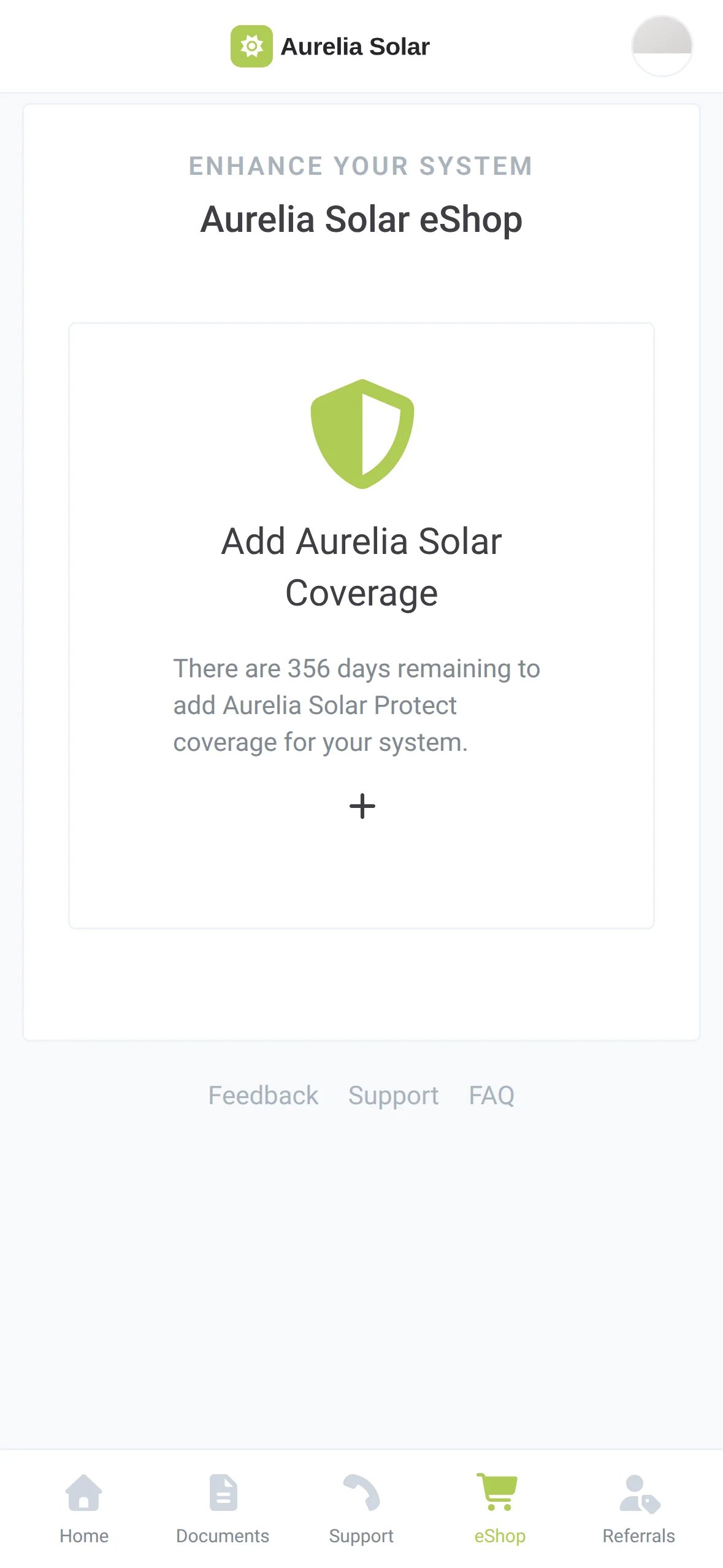
Allow Homeowners to pay for an invoice, buy an upgrade or subscribe to a service plan in your own app
Automate billing based on project milestones
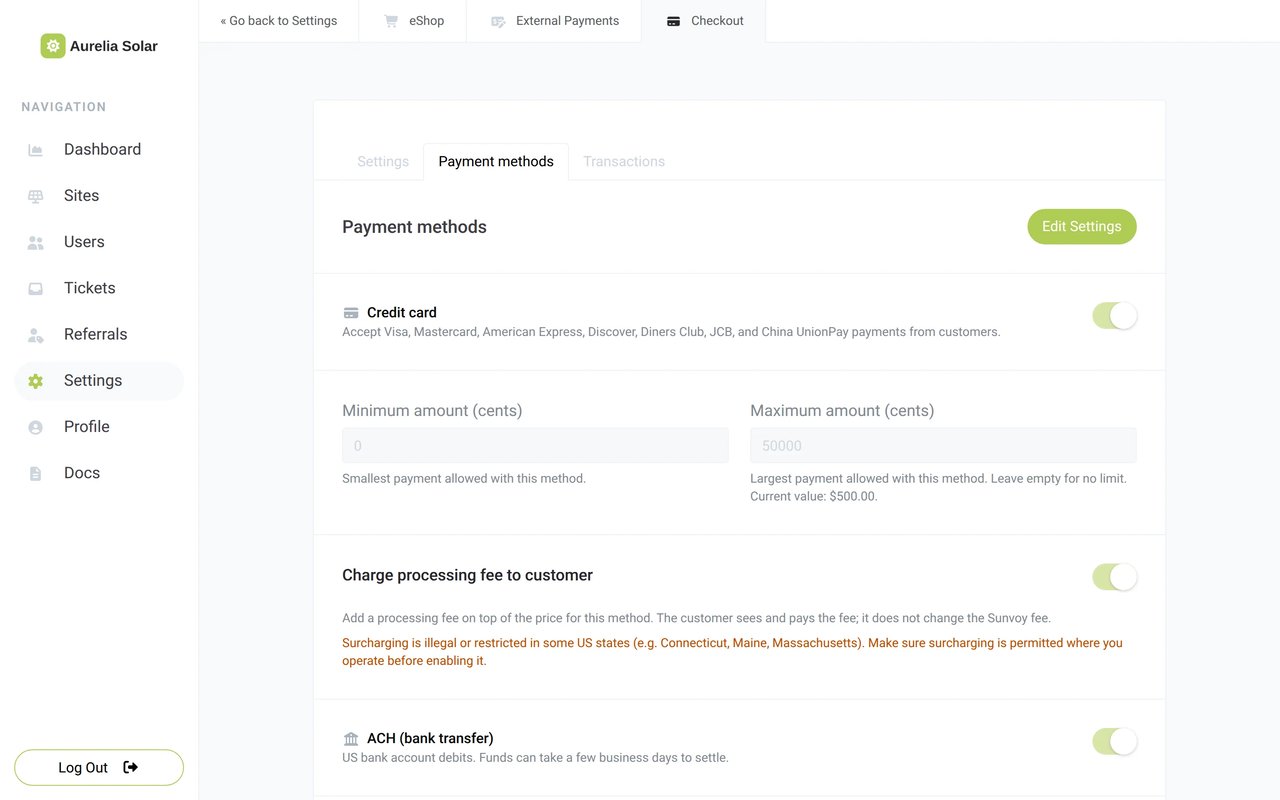
Accept multiple payment methods with flexible fees
Easy to use and conversion optimized checkouts









Sunvoy is rated 5/5 stars by hundreds of solar installers like you
Stop chasing payments through email, phone and spreadsheets
When the invoice sits in an email attachment and the record of who paid sits in a spreadsheet, your office spends its days chasing money. Sunvoy puts the payment next to the project, in the app your customer already uses for checking their solar energy production.
| Invoice | Customer | Paid? |
|---|---|---|
| 1039 | J. Lee | |
| 1042 | M. Gonzalez | Ask |
| 1047 | S. Patel | Ask |
When you outsource your payment system, you might find that the third-party payment platform is advertising other services to your customers without your knowledge or permission.
Joe MarhamatiCo-founder of Sunvoy, in the Sunvoy newsletterFour ways to pay, one account
Every payment goes through the same checkout and lands in the Stripe account your company owns. Sunvoy never holds your money, it simply processes each payment through Stripe within the same place you already hold system and project information.
Paying you takes a few taps
Homeowners open your app, tap Pay my invoice and pay by card or bank transfer. Their details are already filled in, and a receipt lands in their inbox and their documents.
Very organized and professional group of people. Easy to work with and explain any questions in an understanding manner. [Sunvoy] allows each department to address your individual concerns, from design and engineering, to project manager, finance and more. Also allows payments to be made easily with a few clicks.
Michael GibsonSolar CustomerEvery payment in one list
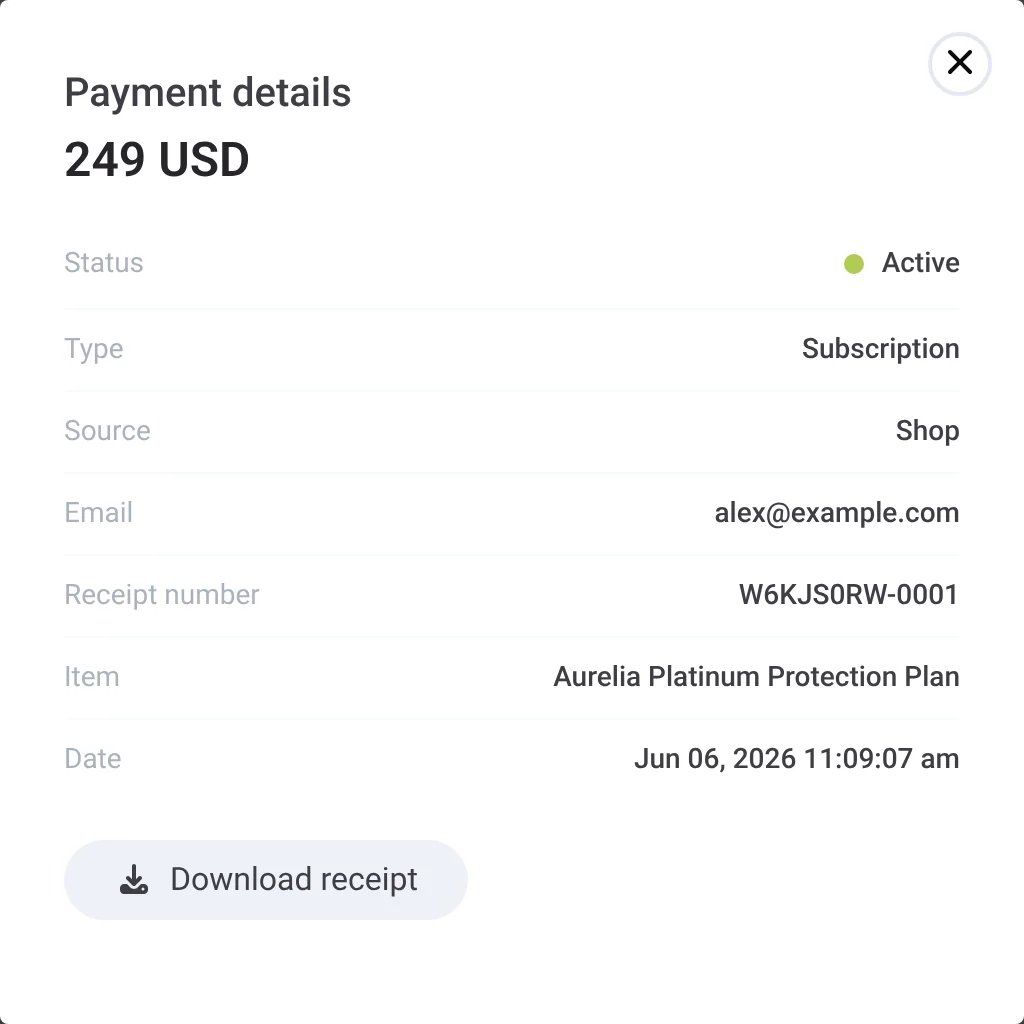
See every invoice payment, upgrade and subscription in one place, with its status and receipt. Export it or integrate with your bookkeeping software with one click.
| Date | Info | Amount |
|---|---|---|
| Sep 18, 2026 | Invoice 1042 | 1,240 USD |
| Sep 12, 2026 | Add an EV Charger | 1,890 USD |
| Aug 30, 2026 | Yearly Panel Cleaning | 189 USD |
| Jul 14, 2026 | System Health Check | 149 USD |
| Jul 2, 2026 | Battery Upgrade | 6212 USD |
| Jun 06, 2026 | Aurelia Platinum Protection Plan | 249 USD |

Sell upgrades and subscriptions through the same checkout
Add a Buy now button to any eShop product, for a one-off price or a monthly or yearly subscription. Protection plans bill themselves, and service visits get paid before the truck rolls.
From payments to accounts receivable
Next, Sunvoy sends the invoice itself when a project reaches a milestone, and brings your open invoices into the homeowner's app.
Set milestone payments as a fixed amount or a share of the project cost, map them to your CRM stages, and Sunvoy sends the invoice with a payment link when the project gets there.
Open invoices synced from Stripe or your accounting software, each with its PDF and a Pay button in the homeowner's app.
Bill power purchase agreements and leases from the inverter data Sunvoy already collects.
Pay referral bonuses through Stripe instead of a separate payout service.
Monthly payments as one more way to pay for bigger upgrades.
Tell us what your customers should be able to pay for next.
Talk to usGet answers to the most common questions and objections about Sunvoy's platform and capabilities.
No. Payments go to the Stripe account your company connects through Stripe Connect. Stripe processes them and pays them out to your bank. Sunvoy records each payment next to the project.
More ways to earn after the install
Make getting paid part of the customer journey
Talk to us about invoices, upgrades and subscriptions for your company, and see how payments fit the way your team works.