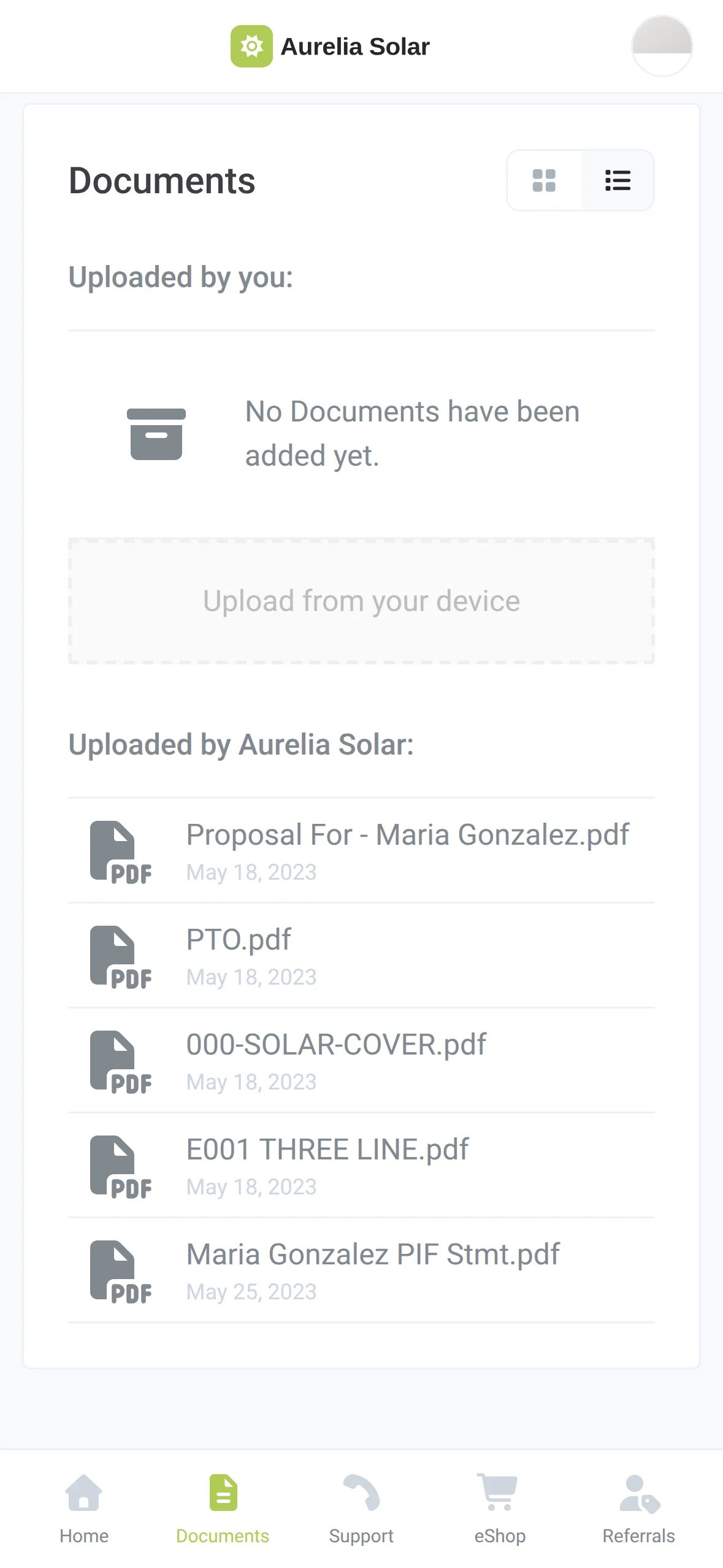
Every project document, for your team and your homeowners
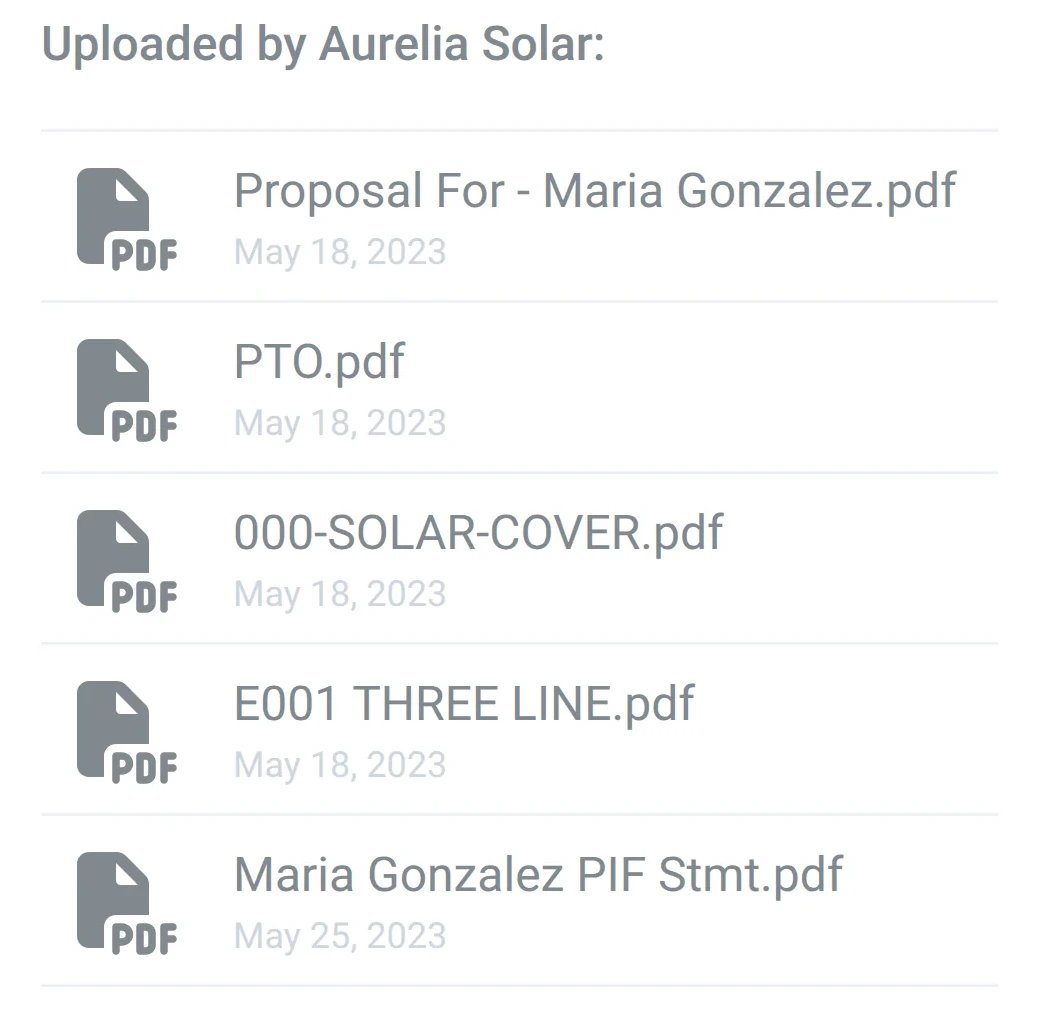
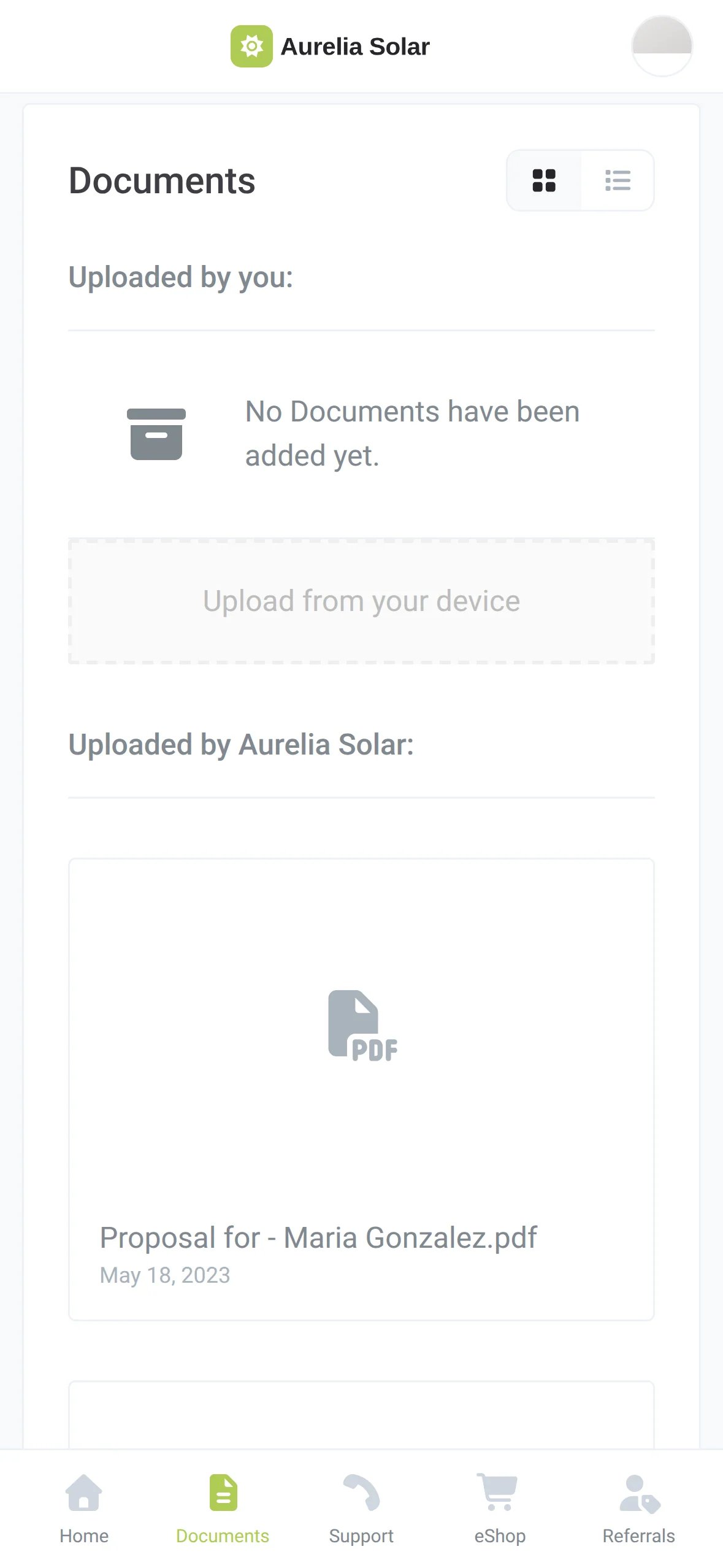
Contracts, permits, designs, warranties, signed PDFs and receipts sit next to each project and in an app with your name on it.
Invoice requests answer themselves: the paid-in-full invoice is already in the app
Files arrive on their own from signatures, payments, Google Drive, SharePoint and your CRM
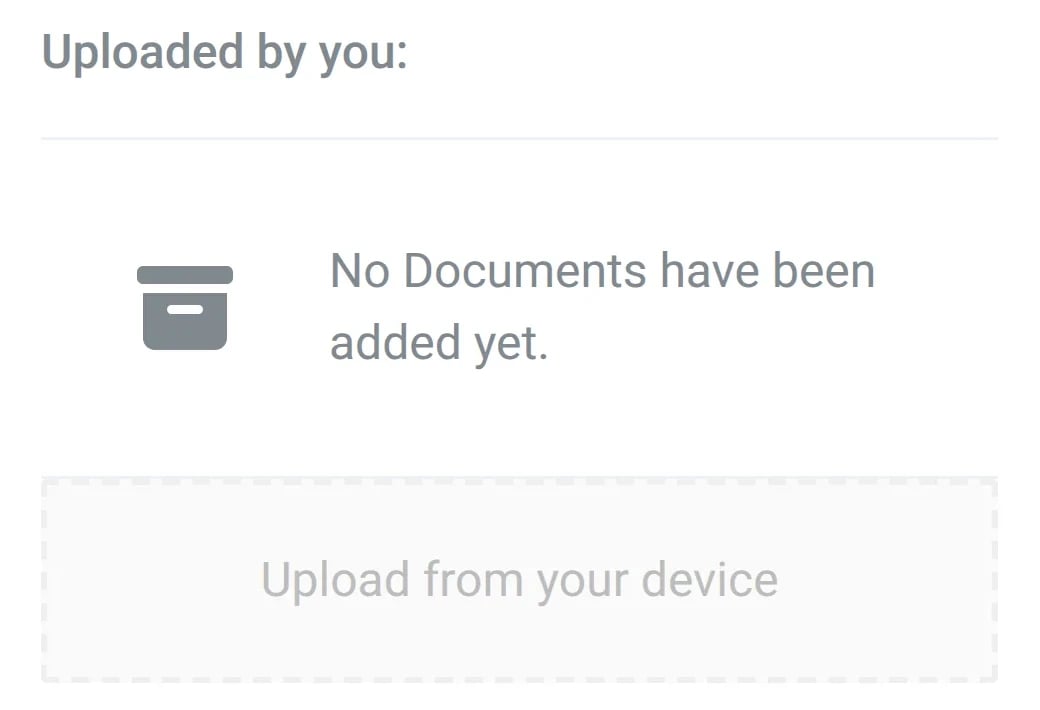
Homeowners upload too: utility bills and photos land on the right project









Sunvoy is rated 5/5 stars by hundreds of solar installers like you


Paid-in-full invoice, ready when they need it

The paid-in-full invoice is already in the app
Homeowners come back for the paid-in-full invoice when they apply for a tax credit, a subsidy or SRECs. Add it to the handover pack at Permission to operate, and they find it in your app instead of writing to your inbox.
Without it
Hi, I installed solar with your company last year and I need my paid-in-full invoice to receive my tax credit. Can you please send it to me immediately?
The same email, from homeowner after homeowner
At PTO, with Sunvoy
Ready in the homeowner's app
I’ve seen project managers waste half their week chasing paperwork that should’ve been uploaded already.
Joe Marhamati, President, SunvoyRead The Taxman ComethEvery file next to its project
Every contract, permit, signed PDF and payment receipt sits right on the project, so nobody digs through email or shared drives to find the latest version.

Add files the way your team works
Drop a file from your computer, pick it from Google Drive or SharePoint, or let signatures, payments and your CRM add it. Every file lands on the project it belongs to.
Their documents, in your app
Homeowners find their documents in your app on the web or on their phone. They download what they need and send you utility bills or photos without a single email.


Documents that sort themselves
What we are building next for documents, based on what installers ask us for.
Tell us what you needFolders for the homeowner, your installer team and your partners, each with its own access. Internal files stay internal, and a partner sees only their folder.
When a project reaches a step such as Permission to Operate, the welcome pack, spec sheets and warranty for that job land in Documents without anyone uploading them.
Trigger
Construction Step changed to
Permission to OperateAdd documents to the project
Added to Documents and the homeowner gets an email
Invoices and open balances from Stripe or QuickBooks, listed in the homeowner's app.
Site visit photos uploaded in Sunvoy sync to the project in your CRM.
Google Drive, SharePoint or Box, with whichever CRM you use.
Tell us which document your homeowners ask for most.
See if you qualifyGet answers to the most common questions and objections about Sunvoy's platform and capabilities.
Yes. Every file on a project shows in the homeowner's Documents tab, split into the files they uploaded and the files your company added. Keep internal files in your CRM or file storage.
Built to work together
When they ask for the invoice, it is already there
See how your team and your homeowners find every document in one place.